
Google Ads Strategic A/B Testing: The 3 Official Rules to Validate AI Max, Budget Shifts & Smart Bidding
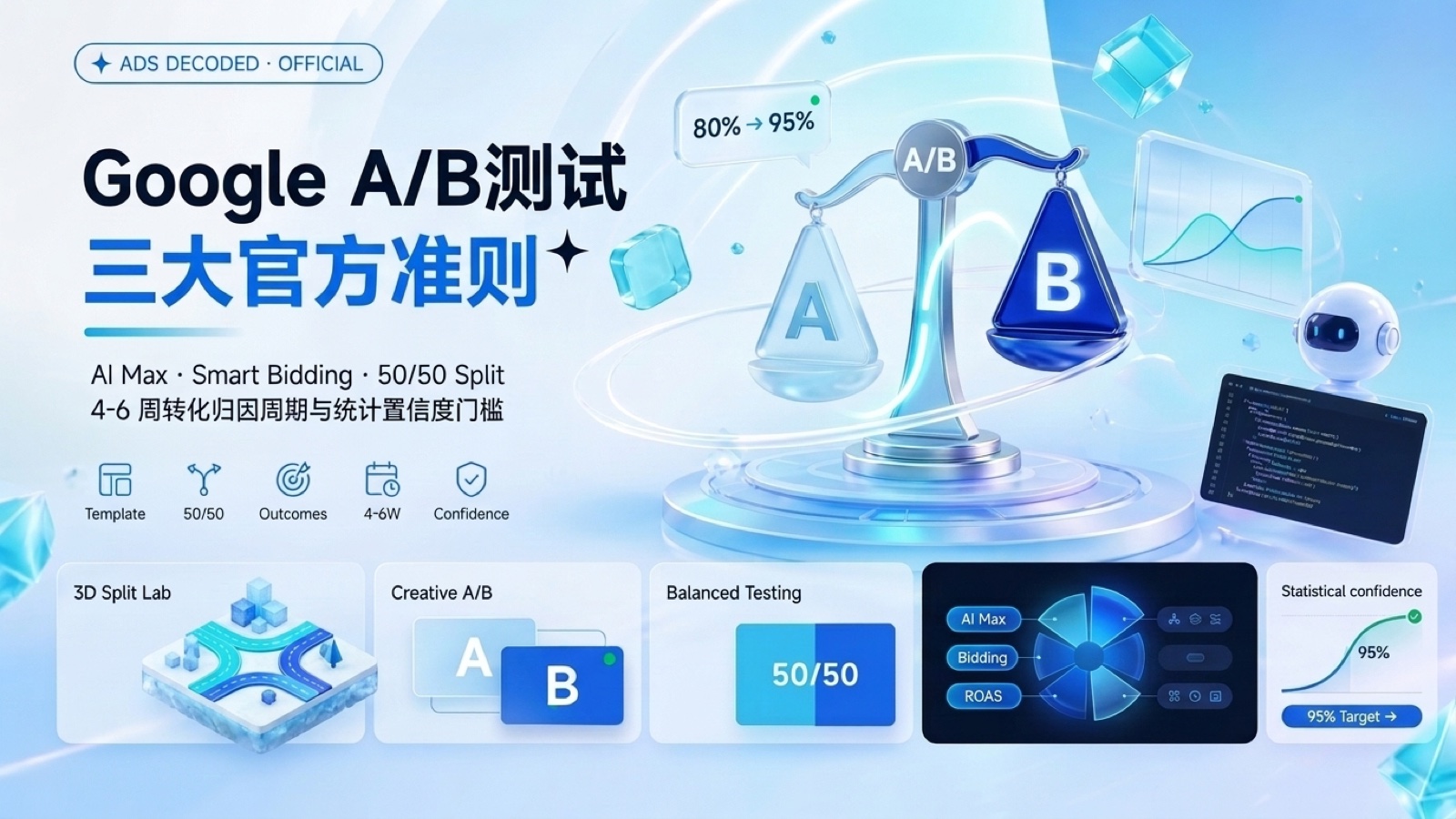 Google Ads Strategic A/B Testing: The 3 Official Rules to Validate AI Max, Budget Shifts & Smart Bidding
Key Briefing: Amid late-2026's rapid rollout of automated bidding and expansion features like AI Max and Smart Bidding Exploration, the costliest mistake an advertiser can make is "flipping a feature on today, checking account-wide ROAS seven days later, and calling it a win or loss." In the November 19, 2026 episode of Google's official Ads Decoded podcast (EVAOO News Brief / Google Ads & Commerce Blog), Google Ads Product Liaison Ginny Marvin sat down with product leads Sagar Shah and Al Nevarez to lay out three official rules for scientifically validating AI features, budget shifts, and Smart Bidding inside the Google Ads Experiments tab.
1. Why "Gut-Feel Before/After Comparisons" Break Down in the AI Era
When testing a new tactic, many cross-border media buyers still rely on a crude Before / After rule of thumb—"run 14 days without AI Max, turn AI Max on across the board for 14 days, and compare CPA." Unfortunately, sequential comparisons are corrupted by four external noise sources:
- Seasonal shopping swings: Black Friday countdowns, payday cycles, and weekend traffic naturally behave differently week over week;
- Competitor bid spikes: A rival suddenly raising budgets can inflate auction CPCs during your "after" window;
- Conversion Lag: Long-consideration purchases clicked during the first 14 days often finalize during the second 14 days, creating an artificial illusion that the new setup surged;
- Machine learning cold-start turbulence: Hard-editing an active campaign directly disrupts existing bidding model weights.
That is why Sagar Shah and Al Nevarez emphasized: true scientific validation requires a concurrent, homogeneous-traffic A/B control vs. treatment experiment.
2. The Three Official Google Ads A/B Testing Rules
| Golden Rule | Core Operational Standard | Common Pitfall (90% of Teams) | Scientific Payoff |
|---|---|---|---|
| Rule 1: Start with Pre-built Templates | Use Pre-built Templates inside Google Ads Experiments | Manually cloning an identical campaign to compete in the same auction, or toggling 3 settings at once | Enforces single-variable isolation and a clean 50/50 traffic split, sharply cutting configuration errors |
| Rule 2: Focus on Real Business Outcomes & Lag | Measure Qualified Conversions and net profit across a full 4 to 6 weeks window | Stopping after 5–7 days based on shallow CTR or CPC metrics | Filters out cheap low-intent clicks and gives Conversion Lag enough days to settle |
| Rule 3: Match Confidence to Decision Scope | Use 80% confidence for minor directional tweaks; require 95% certainty for major structural or bidding shifts | Guessing by gut feel regardless of impact, or waiting for 99% on tiny tweaks and missing market windows | Balances agile testing velocity with protection against costly structural missteps |
Rule Breakdown: When Is 80% Enough, and When Must You Wait for 95%?
- When
80%statistical confidence works (Directional Tweaks): Ideal for swapping ad copy assets inside the same campaign structure, nudging target tROAS / tCPA by ±10%, or testing modest budget tilts—once directionality is clear, move quickly and capture the upside; - When
95%statistical certainty is mandatory (Major Structural Changes): Essential when enabling AI Max for Search at scale (which significantly broadens intent matching—see our AI Max & PMax BFCM Impact Analysis), migrating from manual bidding to Smart Bidding, or restructuring flagship national budgets—never roll out account-wide below 95% significance.
3. Interactive Workbench: Google Ads A/B Experiment Planner & Confidence Validator
Planning an AI Max rollout, budget reallocation, or Smart Bidding adjustment? Use the interactive validator below to verify your test doesn't violate conversion lag or single-variable rules, and copy a ready-to-share experiment spec for your team:
4. Closed-Loop Rollout: 4 Steps from Experiment Validation to Full-Scale Launch
- Open the right entry point: In Google Ads left navigation, go to Campaigns → Experiments and pick an official pre-built Search / PMax / AI Max experiment template;
- Lock traffic split and single variables: Maintain a parallel 50% control arm vs. 50% experiment arm, and strictly avoid injecting new creative batches into only the treatment arm during the 4–6 week window;
- Ride out the 2-week learning phase and account for Conversion Lag: Align with your store's average time-to-purchase in GA4, and wait until weeks 4 to 6 before evaluating lag-adjusted Qualified Conversions and net conversion value;
- Click
Applyonly after hitting your threshold: Once your test reaches80%or95%confidence as scoped, click Apply to original campaign to merge the winning setup seamlessly or lock it in as your scaling baseline.
Further Reading: Explore the Google Ads Intelligence & Execution Hub for deep dives on PMax & AI Max Leakage Diagnostics and Google Search AI Overviews vs. AI Mode Mechanics (#18826097).
Found this actionable? Copy standard citation & summary
Formatted with canonical attribution link and executive summary—ready for Slack, Notion, or LLM context.
Put Into Practice: Companion Browser Workbenches
UTM Builder Pro Matrix Workspace
Reverse URL parser, GA4 channel group diagnostics, and dynamic ad macro batch CSV export.
Shopify GTM & GA4 Web Pixel Generator
Generate production-ready Shopify Customer Events Web Pixel code for GA4, Meta, and TikTok.