
Google Data Manager Series (Part 4): Auto-Import Meta & TikTok Ad Spend in GA4, Troubleshooting & API Guidance
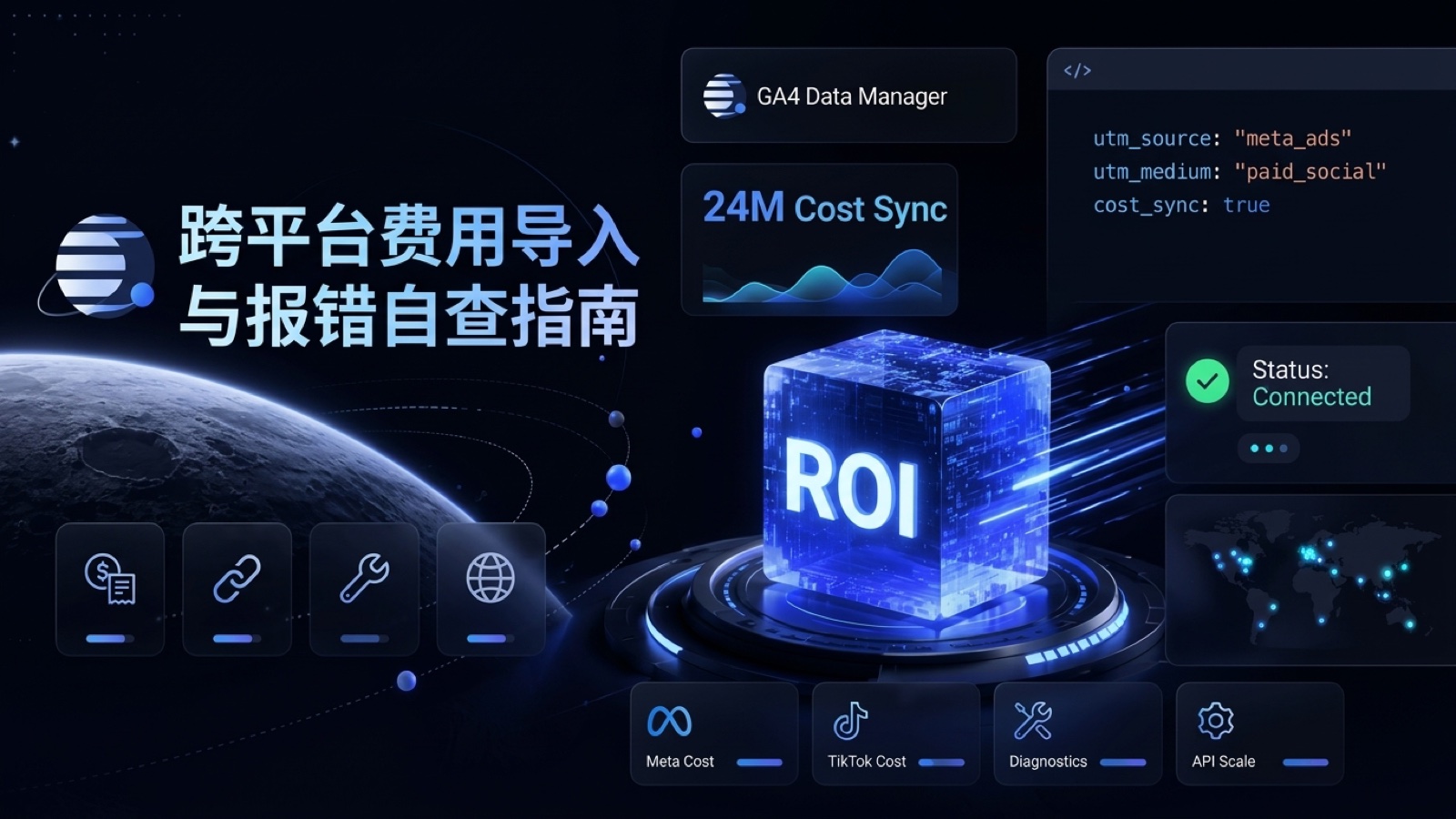 Google Data Manager Series (Part 4): Auto-Import Meta & TikTok Ad Spend in GA4, Troubleshooting & API Guidance
Goal of This Guide: Learn how to automatically pull Meta Ads (Facebook / Instagram) and TikTok Ads spend, clicks, and impressions directly into GA4 (with support for Reddit, Snap, and Pinterest too)—ending daily CSV exports for blended ROI reporting—alongside a non-technical 6-symptom troubleshooting card and clear guidance on whether mid-size brands ever need the
Data Manager API.
📘 Google Data Manager Series for Shopify Merchants (4 Parts)
| Part | Focus of This Guide | Link |
|---|---|---|
| Part 1: Overview & Routing (Series Hub) | Understand what Data Manager does and how to choose between GA4 and Google Ads without double counting | Read Guide |
| Part 2: Customer List Direct Sync | No-code sync of Shopify customer segments and Klaviyo email lists for Customer Match targeting and exclusions | Read Guide |
| Part 3: Order Backfill & No-Formula Cleanup | Recover website-missed Shopify orders via Google Sheets with automatic Order ID deduplication | Read Guide |
| Part 4: Spend Import & Diagnostics | Auto-import Meta / TikTok ad spend for blended ROI plus a self-service troubleshooting guide | 👉 Currently Reading |
1. Zero-Spreadsheet Sync: Auto-Import Meta & TikTok Ad Spend into GA4 for Full-Funnel ROI
Even when Shopify merchants install the Google & YouTube app to connect Google Ads spend with GA4 conversions, reviewing true blended ROI across Meta and TikTok usually still means exporting spreadsheets from multiple ad managers and converting currencies manually. Today, GA4 Data Manager and Campaign Data Import let you connect official automated connectors in minutes (see Meta Integration Guide #16536051 and TikTok Integration Guide #16536156).
What Automatic Linking Unlocks for Your Team
- Pulls up to 24 months of historical spend on initial sync: Once linked, GA4 not only refreshes daily spend, clicks, and impressions going forward—it also backfills at least 24 months of historical cost data automatically;
- Automatic currency normalization to your property currency: Even if your Meta ad account bills in HKD or CNY, TikTok bills in USD, and your GA4 property reports in USD or EUR, GA4 automatically converts and unifies spend using standard exchange rates.
Two Prerequisites Before Connecting (Where 90% of Discrepancies Happen)
- Verify standard UTM parameters on all active ad URLs:
Your Meta and TikTok destination URLs must carry consistent tracking parameters (we recommend standardizing them with our UTM Builder Pro tool):
utm_source(Required, e.g., consistentlyfacebookacross Meta orfb/igsplit by placement, andtiktokfor TikTok)utm_medium(Required, e.g.,paid_socialorpaid)utm_campaignandutm_id(Strongly recommended for campaign-level ROI granularity)
- Delete legacy manual cost CSV datasets first: If you previously uploaded historical Meta or TikTok cost CSVs into GA4 manually, delete those old manual datasets before turning on the automated connector. Because the automated connector backfills 24 months of history—and GA4 does not deduplicate between manual CSVs and automated connectors—leaving old files active will double your reported ad spend.
4-Step Setup Walkthrough (Required Roles: GA4 Editor + TikTok Analyst or Meta Equivalent)
- Step 1 (Create the import source): Open GA4 bottom-left Admin ➔ go to Data Manager (or Data collection and modification -> Data import) ➔ click
Create data source➔ name your source, select Campaign data as the data type, and pickMetaorTikTok; - Step 2 (Authorize account access): Click
Connectand sign in to authorize your Meta Business Manager (BM) or TikTok Ads account; - Step 3 (Select ad accounts & enter exact Source/Medium — the most critical step!):
- Check the specific Meta Business Manager + Ad Accounts or TikTok Business Center + Ad Accounts you want to sync;
- Enter the exact
utm_sourceandutm_mediumstrings used in your ad URLs into the matching input fields:- For example, if all your Meta ads use
utm_source=Meta&utm_medium=paid, enterMetaacross all five source boxes (Facebook Source,Instagram Source,Audience Network Source, etc.) andpaidforMedium. If you tag Facebook asfband Instagram asig, enter each distinct value into its corresponding box; - Important: Once connected, your selected ad accounts, source names, and medium values cannot be edited in place—changing them later requires deleting the connection and recreating it, so double-check spelling now;
- For example, if all your Meta ads use
- Step 4 (Review field mapping & wait for ingestion): Confirm the auto-mapped fields and click Finish. Google notes that initial import typically completes within 30 minutes, while full cost and ROI reporting may take up to 24 hours to populate across GA4 advertising reports.
2. Beyond Ad Spend: Extra GA4 Data Import Types & Free Storage Quotas for Shopify
Alongside Meta and TikTok cost connectors, GA4 Data Import (#10071301) includes several high-value import types available free on standard GA4 properties with generous storage quotas:
| Data Import Type | Practical Use Case for Shopify Merchants | Free Quota per GA4 Property |
|---|---|---|
| Campaign data | Automated spend, clicks, and impressions from Meta, TikTok, Reddit, Snap, and Pinterest | Shares 1 GB total storage (virtually inexhaustible for cost tables) |
| Item data | Website tags usually pass only SKU and product title; enrich by Item ID with color, size, category, or unit margin to analyze sales by size (L vs. M) in GA4 | Up to 5 data sources, 1 GB combined |
| User data | Import loyalty tiers (Gold/Silver) or lifetime repeat-order tags from your store to build VIP audiences in GA4 | Up to 10 data sources |
| Offline / Custom event data | Backfill special offline transactions or manual customer-service orders missed by web tracking | Up to 1 GB per source; up to 120 imports per day per property |
3. Interactive Diagnostics: UTM Parity Checker & 6-Case Troubleshooting Card
Ad spend connected cleanly, yet numbers still refuse to match your channels—or a warning badge just popped up on your Data connection map? Test exact UTM case-sensitivity below and click any symptom for step-by-step operator fixes:
4. Technical & Executive Decision Guide: Do Mid-Size Shopify Brands Need the Data Manager API?
While browsing Google's official documentation, you may also encounter the Data Manager API (Developer & Help Guide #18080666). Here is a candid, budget-saving rule of thumb before you commission engineering work:
- 90% of Shopify DTC brands do NOT need the API: If your core workflows are syncing Shopify / Klaviyo customer lists, backfilling missed orders daily or weekly via Google Sheets, and pulling Meta/TikTok ad spend into GA4, the point-and-click Direct connections and Google Sheets connectors covered across Parts 1–4 handle everything with zero engineering cost and full operator self-service;
- When should you actually ask engineering to integrate
Data Manager API? It only pays off for larger organizations or solution providers meeting one of these three criteria:- You run a custom in-house ERP or proprietary order database and need millisecond real-time conversion streaming across Google Ads, GA4, DV360, and SA360 simultaneously without spreadsheet intermediaries;
- You already have dedicated backend engineers to maintain OAuth service accounts, retries, and schema updates long-term;
- Your enterprise CDP or SaaS data partner already ships a managed Data Manager API connector out of the box.
5. Series Wrap-Up & Recommended Onsite Tools
That wraps up our complete 4-part guide to Google Data Manager across both GA4 and Google Ads for Shopify merchants. Bookmark this series hub anytime your team audits tracking pipelines, and pair it with these free onsite tools:
- UTM Builder Pro Multi-Channel Link Generator: Standardize
utm_sourceandutm_mediumvalues across Meta, TikTok, Google, and email so GA4 cost imports match on the first try; - Shopify GTM & Custom Web Pixel Code Generator: Still setting up Shopify's Checkout Extensibility sandbox tracking? Generate clean standard events and
transaction_idpayloads to lay a rock-solid foundation for Multi-source conversions; - Shopify Ops & Analytics Hub & Google Ads Global Growth Series: Explore more official compliance playbooks, AI Search ads guides, and peak-season scaling SOPs.
Official Documentation: Connect Meta Ads to GA4 (#16536051), Connect TikTok Ads to GA4 (#16536156), GA4 Data Import Types & Limits (#10071301), Troubleshoot Data Manager Connections (#13944740), and When to Use Data Manager API (#18080666).
Found this actionable? Copy standard citation & summary
Formatted with canonical attribution link and executive summary—ready for Slack, Notion, or LLM context.
Put Into Practice: Companion Browser Workbenches
Shopify GTM & GA4 Web Pixel Generator
Generate production-ready Shopify Customer Events Web Pixel code for GA4, Meta, and TikTok.
UTM Builder Pro Matrix Workspace
Reverse URL parser, GA4 channel group diagnostics, and dynamic ad macro batch CSV export.